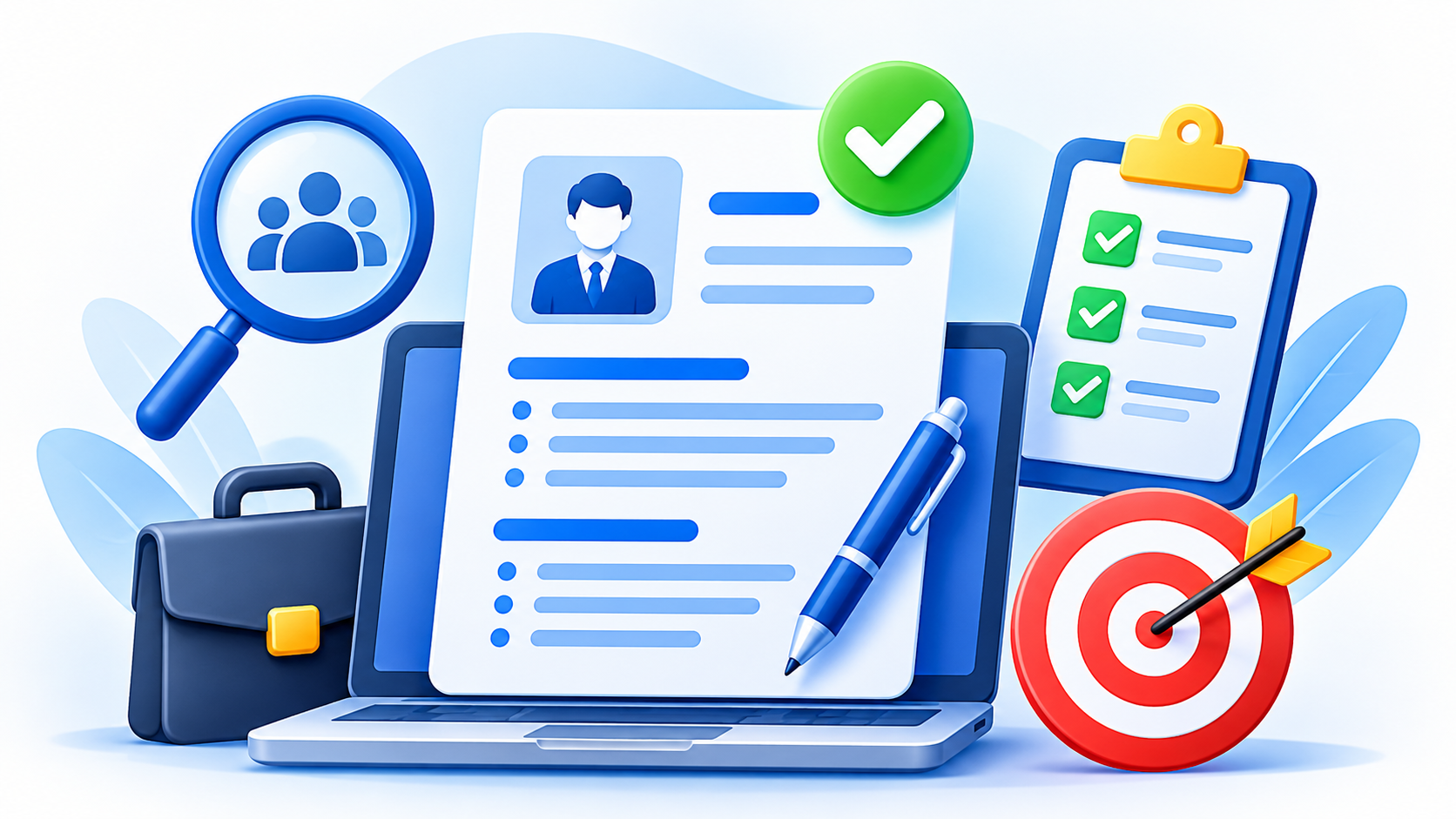
Recruiters often make an initial scan of a CV in a short amount of time. Your goal is to make the most relevant information easy to find. A strong CV is not a record of every task you have ever completed; it is a clear, focused summary of the experience, skills, and results that show why you may be a good fit for the role.
Use the following steps to create a professional CV that is easy for both recruiters and applicant tracking systems (ATS) to read.
1. Start with a short, targeted summary
Begin with three or four lines that describe your profession, relevant experience, and strongest qualifications. Tailor this summary to each application by reflecting the language and priorities in the job advertisement.
For example, instead of writing “Hardworking professional seeking a challenging position,” identify your field, the experience you bring, and the kind of contribution you can make. Keep the summary specific and avoid unsupported claims.
2. Lead with results, not just duties
Listing responsibilities tells an employer what your job involved, but achievements show what you accomplished. Whenever possible, explain the result of your work using numbers, scale, time saved, revenue, quality improvements, or another clear outcome.
For example, “Responsible for sales” is less informative than “Increased regional sales by 18% in 12 months by improving the dealer onboarding process.” Use accurate figures and be prepared to explain how you achieved them.
For each position, aim for three to five concise bullet points. Start with strong action verbs such as managed, developed, improved, coordinated, or delivered.
3. Use a clean, ATS-friendly layout
A simple format helps recruiters find information quickly and reduces the risk of an applicant tracking system misreading your CV. Keep the design professional and consistent.
- Use a single-column layout with standard headings such as Professional Summary, Work Experience, Education, and Skills.
- Choose a readable, common font, usually around 10–12 pt, with clear spacing and comfortable margins.
- Avoid complex tables, text boxes, decorative icons, and graphics that may interfere with parsing.
- Use consistent formatting for job titles, employers, locations, and dates.
- Save the file as a PDF unless the employer specifically requests a Word document or another format.
4. Put the most relevant information first
List your work experience in reverse chronological order, starting with your current or most recent position. Include your job title, employer, dates, and a few achievement-focused bullet points.
If you are a recent graduate or have limited work experience, consider placing your education, relevant projects, internships, or certifications above your employment history. Experienced professionals can usually prioritize their work history and most relevant accomplishments.
As a general guide, an early-career CV is often one page, while a more experienced professional may need two. Focus on relevance and readability rather than forcing every CV into the same length.
5. Match keywords honestly
Review the job description and note the qualifications, skills, software, and industry terms it emphasizes. If you have those skills, use clear and accurate wording in your summary, skills section, and experience bullets.
Do not add keywords for tools or abilities you cannot demonstrate. A CV should help you get an interview, but it should also give you a truthful foundation for answering questions about your experience.
6. Proofread and check your contact details
Spelling mistakes, inconsistent dates, and incorrect contact details can distract from your qualifications. Read your CV aloud, run a spell-check, and ask someone you trust to review it.
- Confirm that your email address is professional and typed correctly.
- Check that your phone number and location are current.
- Make sure dates, job titles, and company names are consistent.
- Remove outdated or irrelevant information that does not support your application.
Quick test: If a recruiter reads only the top third of your CV, will they understand your profession, your strongest qualifications, and why you are relevant to the role?
Make your CV ready for applications
Before applying, compare your CV with the job description and make any necessary adjustments. Keep a master copy with your full experience, then create a targeted version for each role.
Upload your finished CV to your Tuveleeds profile once, then use it when applying for jobs. Review the details before each application to make sure your CV is current and relevant to the position.